How do I add products to my order?Updated 6 months ago
Adding new products to a subscription order
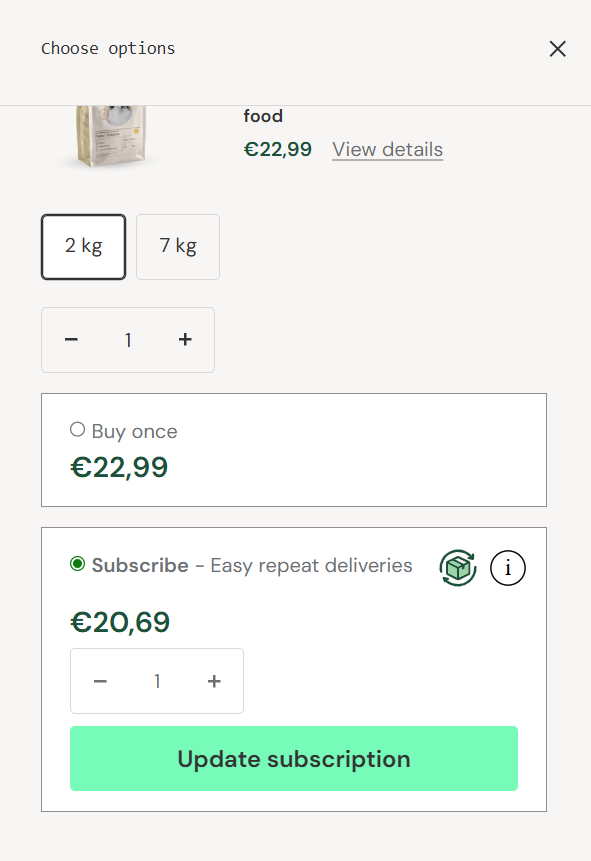
New products can be added to your subscription through the online store. First, log in to your customer account page. You can add a new product to your subscription directly from the online store by clicking the "Add to cart" button for the product, then selecting "Subscribe" and "Update subscription" from the menu that appears.
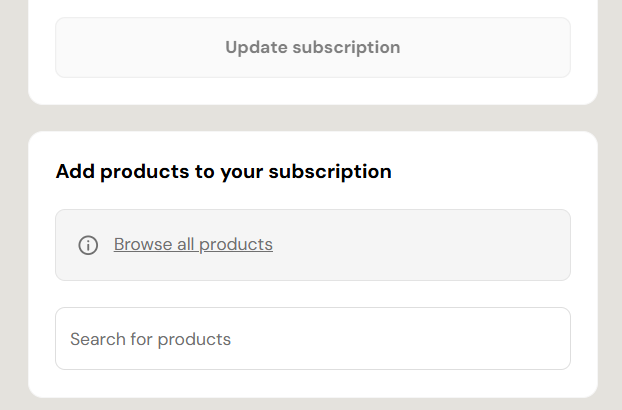
You can also add products from your account pages under the "Subscription" tab, where you can view your current subscription and click the link "Browse all products" found under the current subscription order. If you already know what you want to add, you can also search for the product directly in the "Search for products" field.