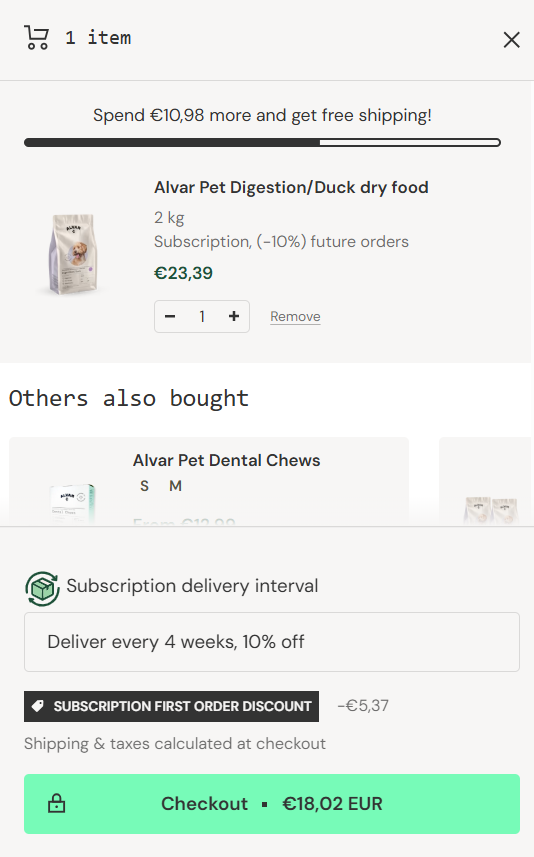
How do I create a new subscription?Updated 5 months ago
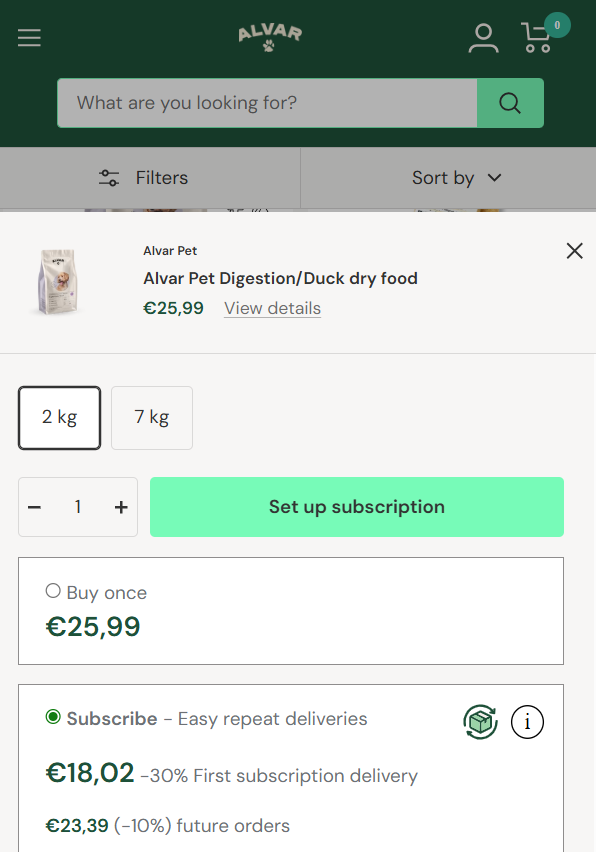
You can create a new subscription directly from the online store: add the desired product to your cart and then, in the view that opens, select "Subscribe", then click on "Set up subscription".
Next, choose your delivery interval and optionally add other products to the subscription. After payment, your subscription is created and you can manage it by logging into your customer account pages with your email address.